HW1
Submission
This assignment was pretty difficult – I wasn't able to fully implement everything, but it was fun and challenging to try. Afterwards I'll try to go back and finish it. While I initially had trouble with noise (it was looking very magenta) this turned out to be a relatively quick fix – since the magenta was the color of the background so in the future I made sure to check that I was setting the alpha channel to 255.
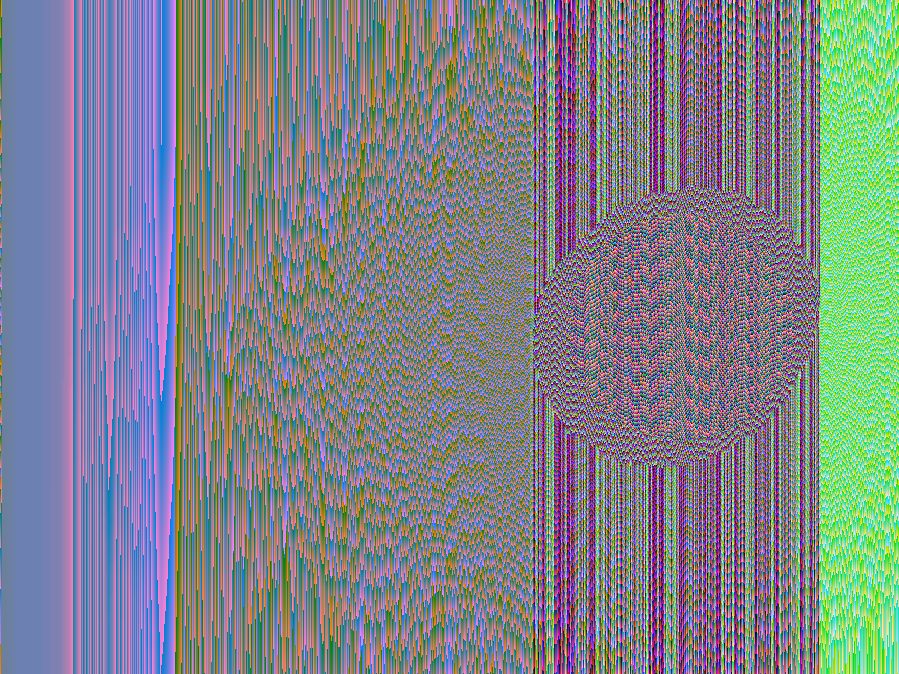
Conceptually, it also took me a while to get how the Gaussian filter was supposed to work, but once I worked that out, sharpen was easy (since it ended up being almost the same thing. Additionally, the process of applying a 'filter' matrix to an image was similar for other types of image manipulation such as edge detection. The sampling parts for scale were pretty straightforward for the two sampling methods I implemented. I started implementing Gaussian sampling, but I ran out of time (and the output I go ended up being a gradient, so I figured I would try my hand at getting other parts working).
- Brightness: Brightens an image by a given factor
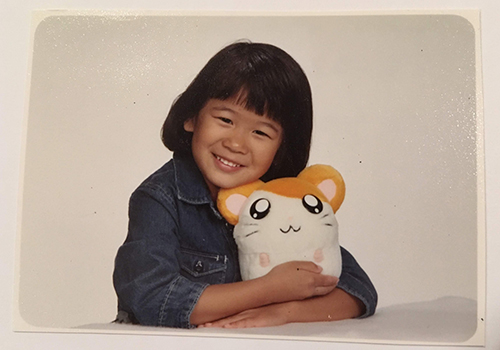
- -brightness 1.5

- Random Noise: Add noise to an image by a given factor
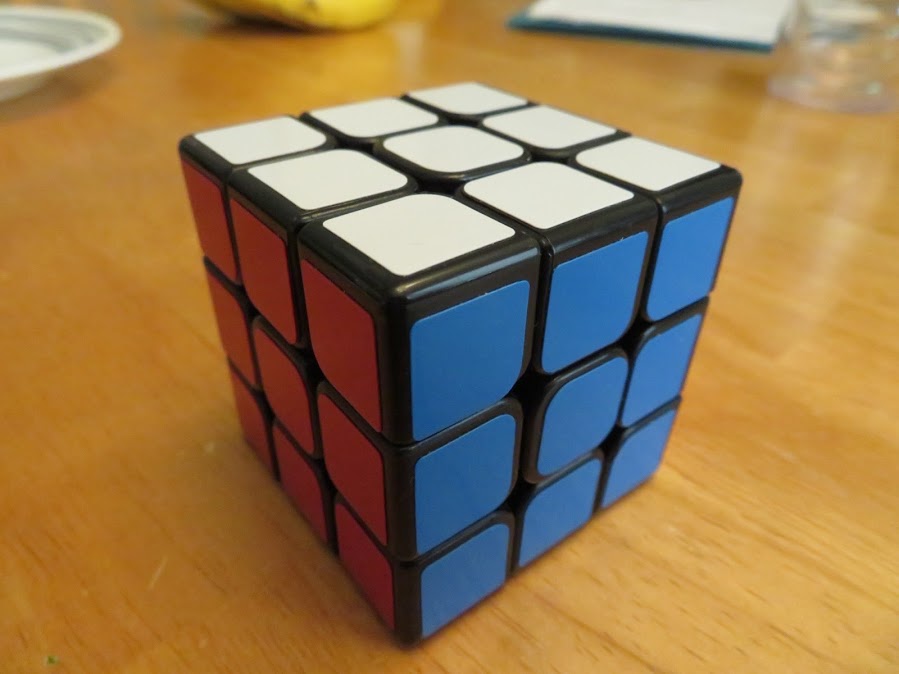
- -noise .5

- Crop: Extract a subimage specified by a corner (x,y) and area
- -crop 100 35 300 300

- Extract Channel: Leave specified channel intact (R,G,B) and set all others to zero (excluding alpha channel)
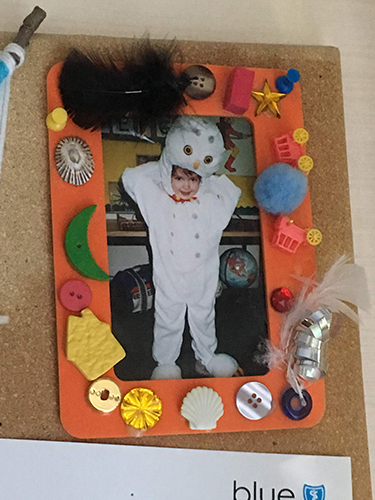
- -extractChannel 0

- Contrast: Change the contrast of an image by a given factor
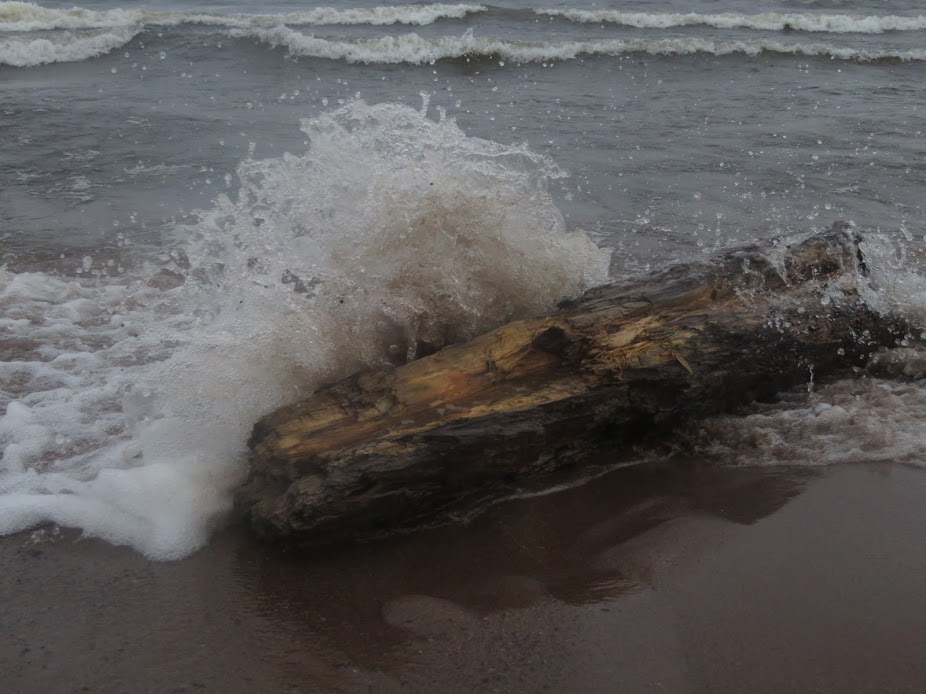
- -contrast 0

- -contrast 2
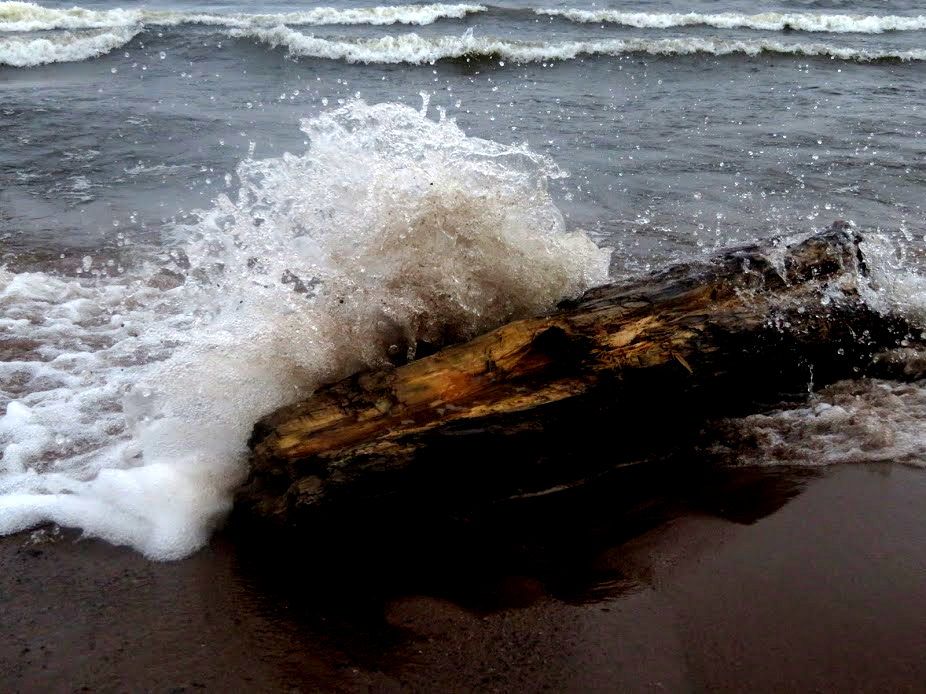
- Saturation: Change the saturation of an image by a given factor
- -saturation 0
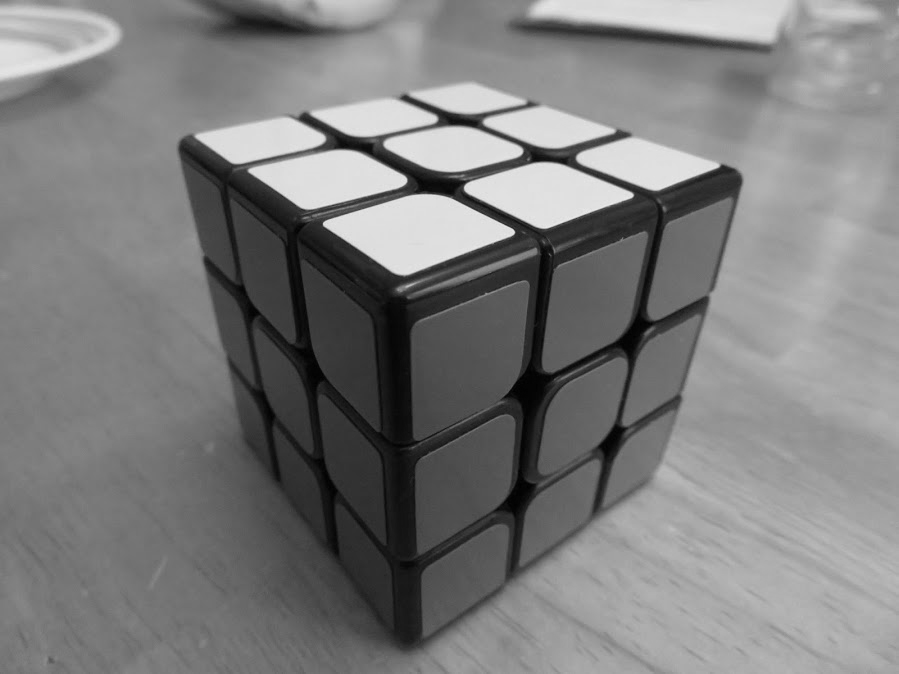
- -saturation 5
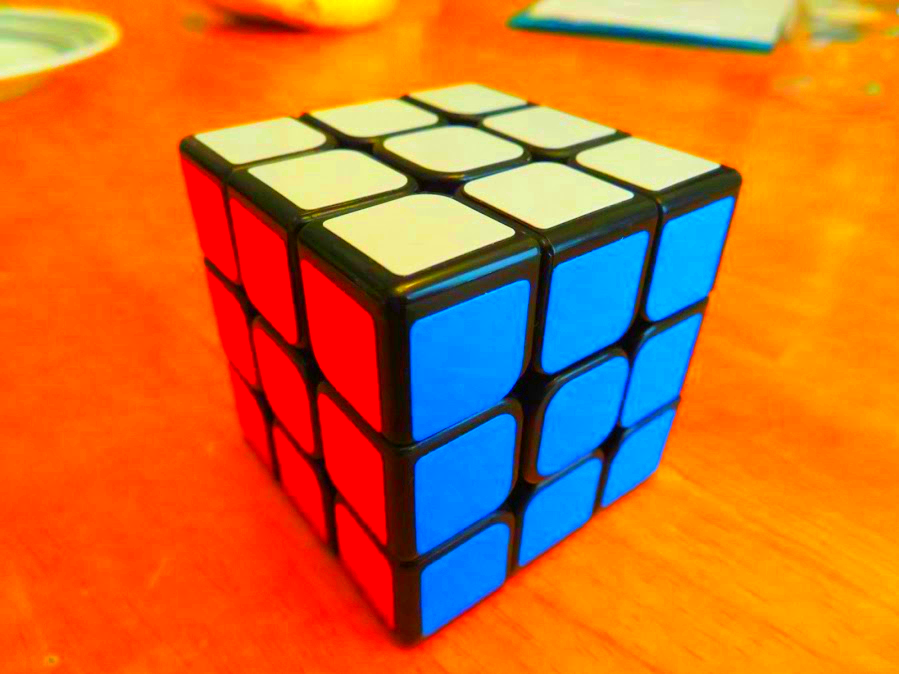
- -saturation -5

- Sharpen: Sharpen an image by extrapolating from a blurred version
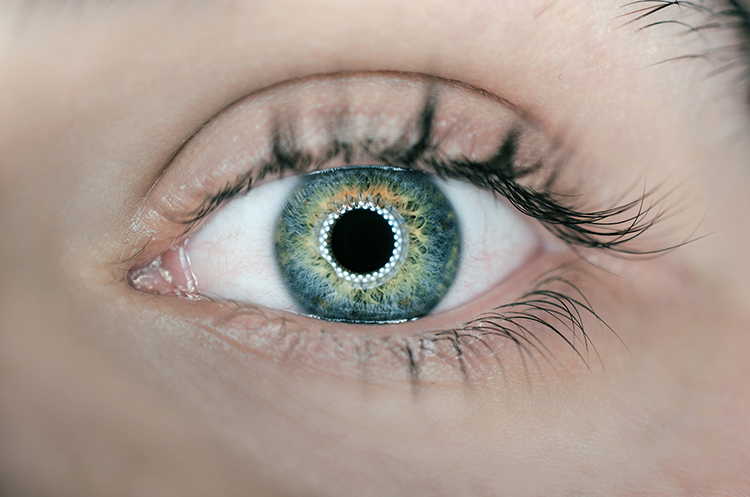
- -sharpen 7
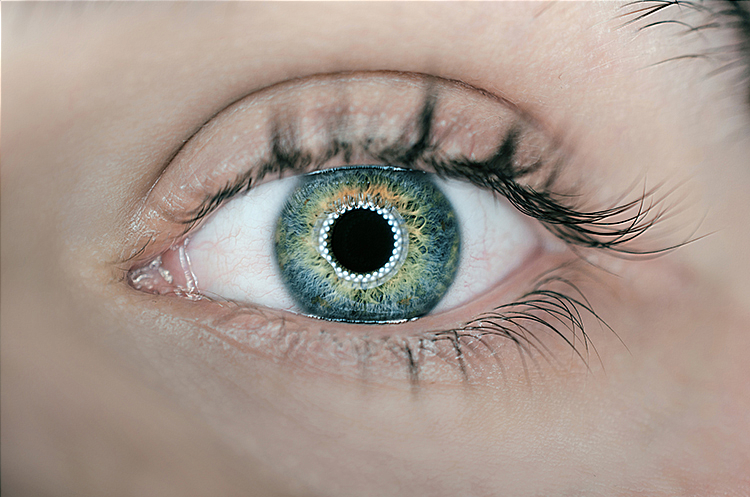
- Quantize: Change the number of bits per channel of an image, using simple ronuding
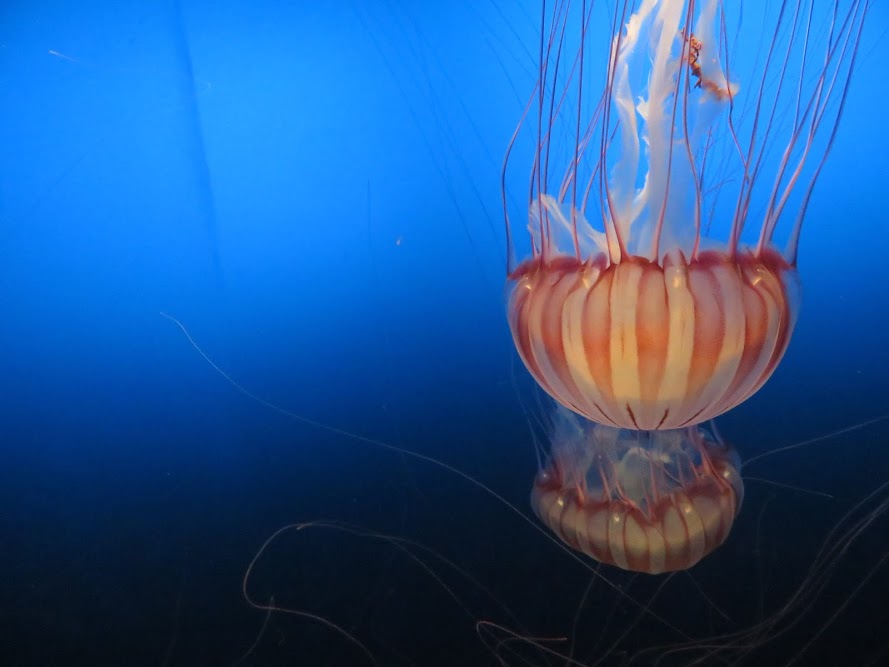
- -quantize 1
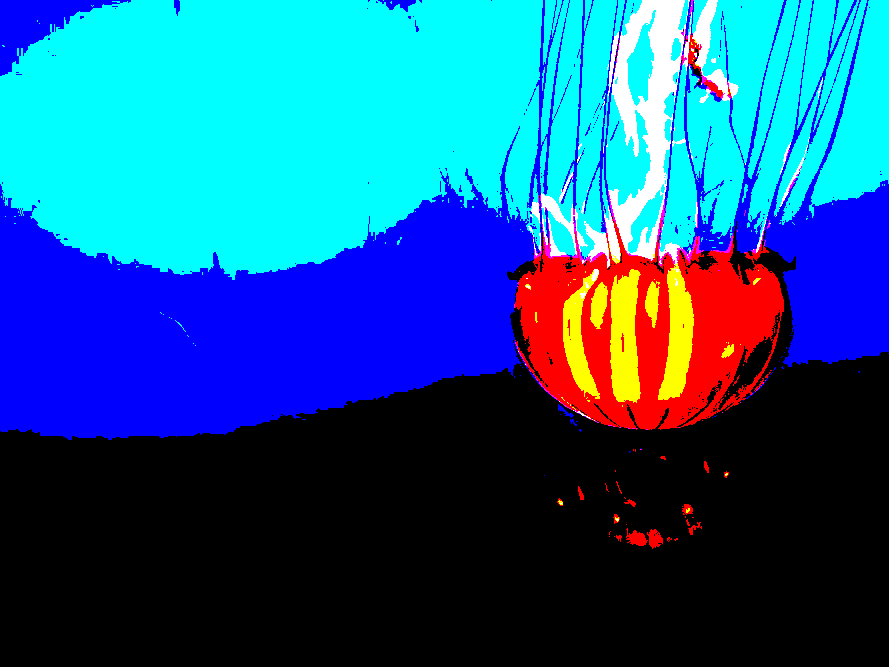
- -quantize 2
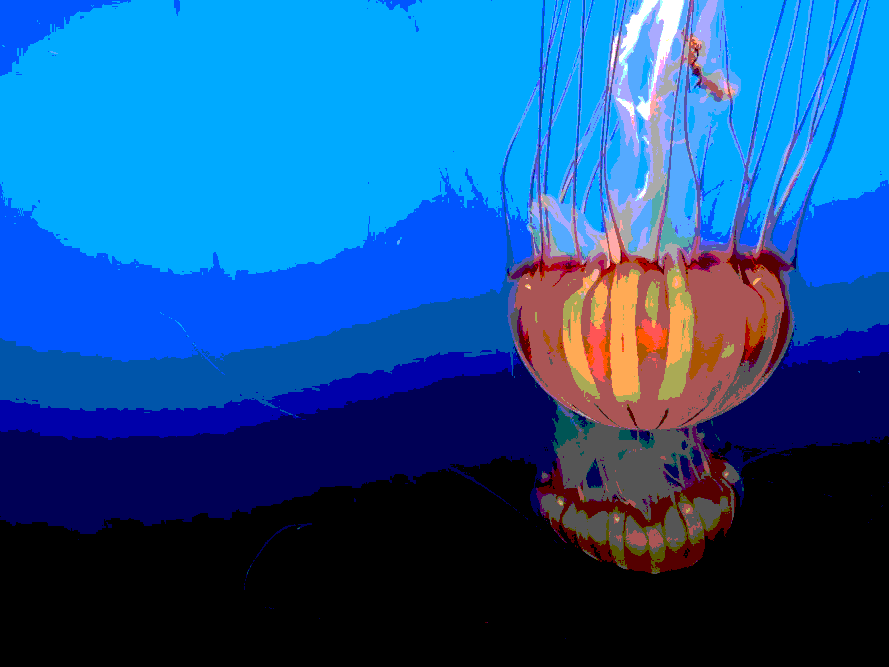
- -quantize 4
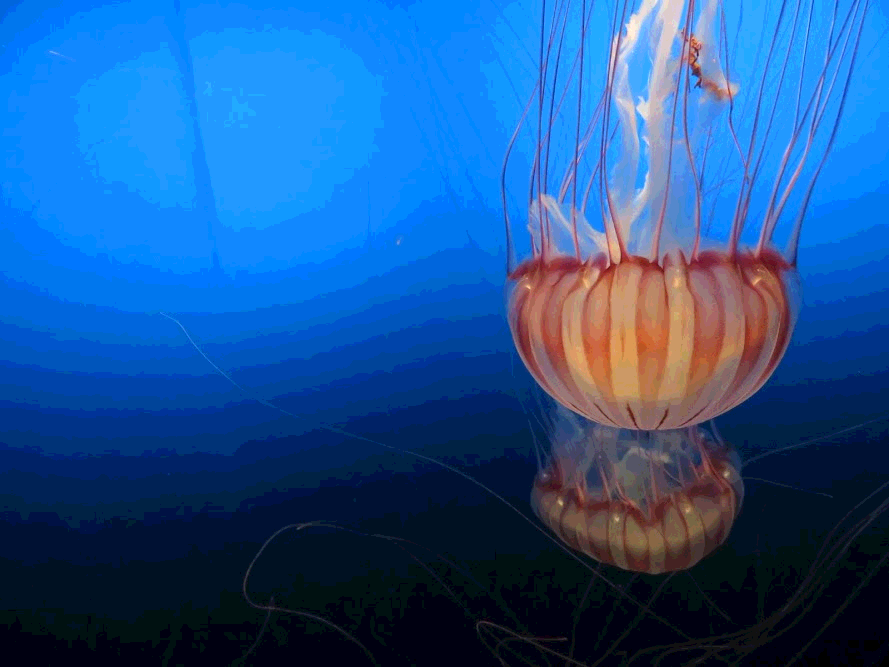
- -quantize 8
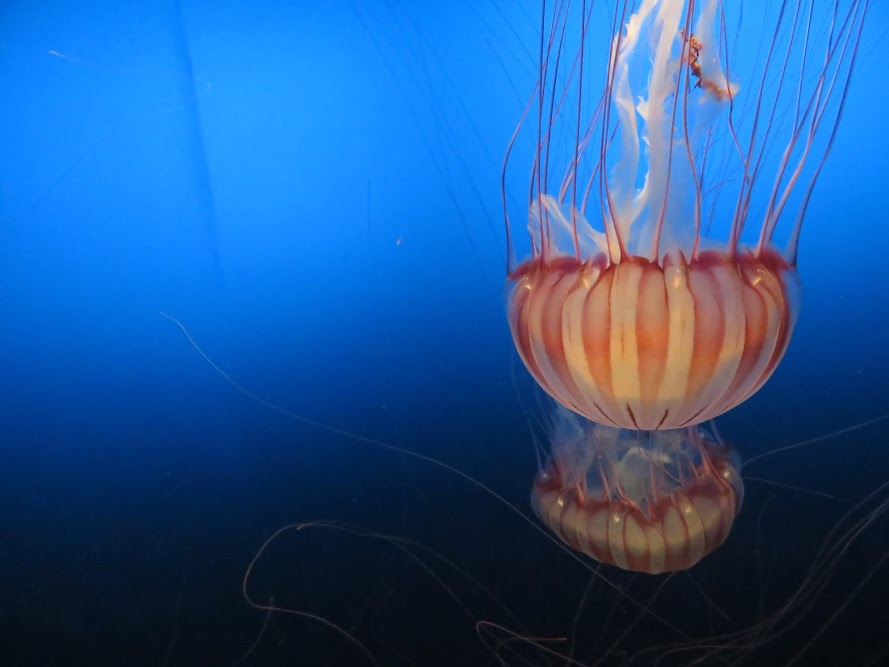
- Random dither: convert an image to a given number of bits per channel, using a randomized threshold
- -randomDither 1
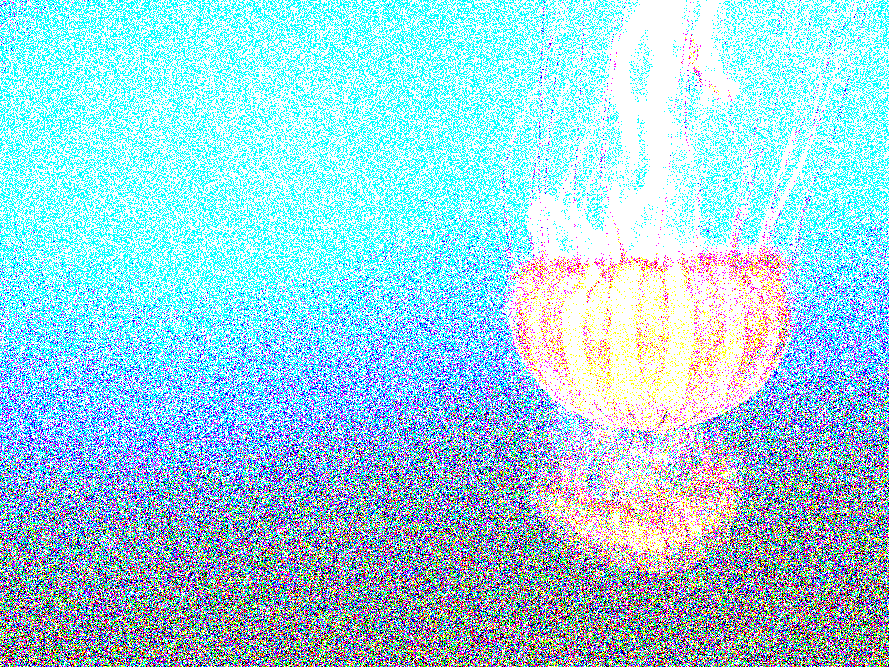
- -randomDither 2

- -randomDither 4

- -randomDither 8
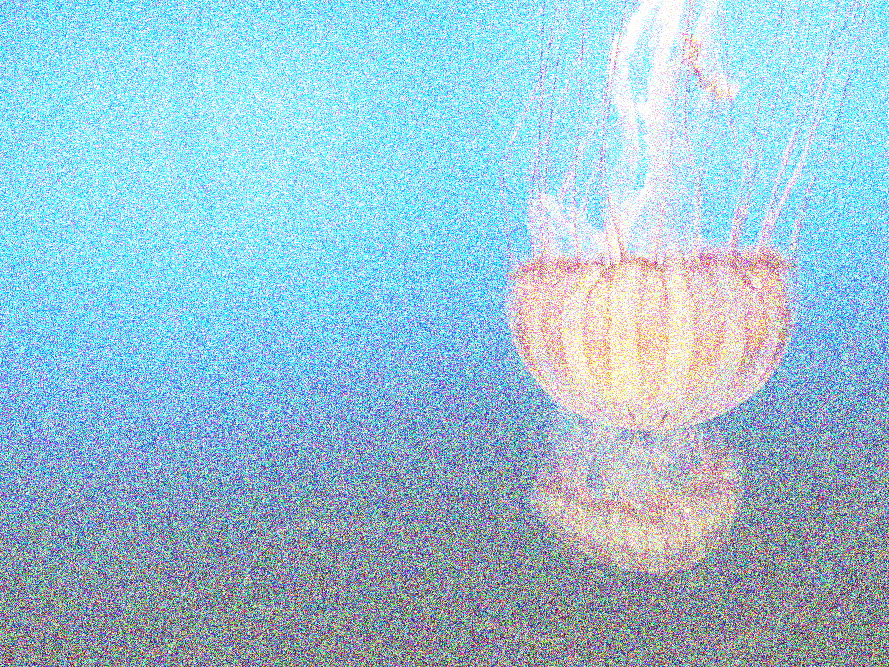
- Blur: Blur and image by convolving it with a Gaussian low-pass filter
- -blur 7 (note: this is with sigma manually set to 1)
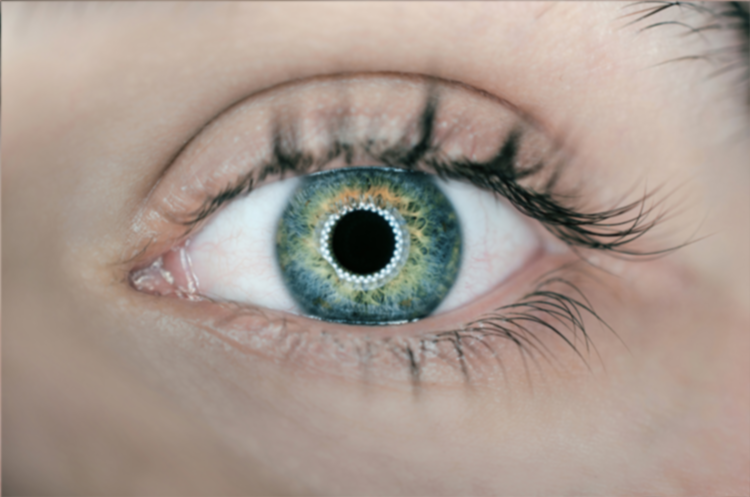
- -blur 7 (note: this is with sigma manually set to 2)
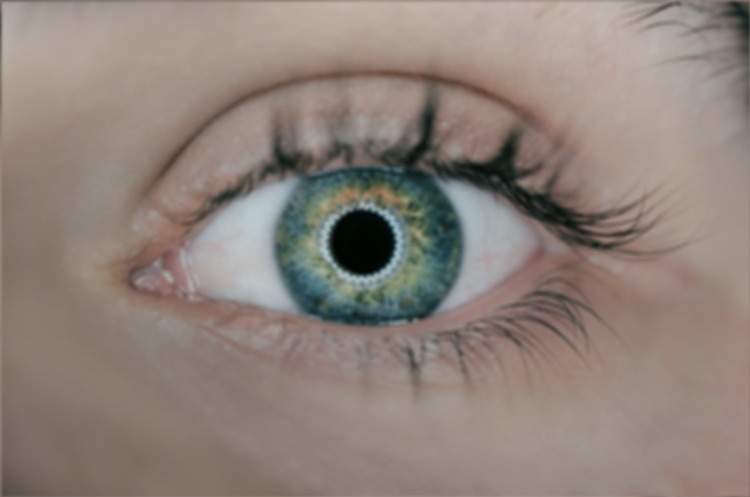
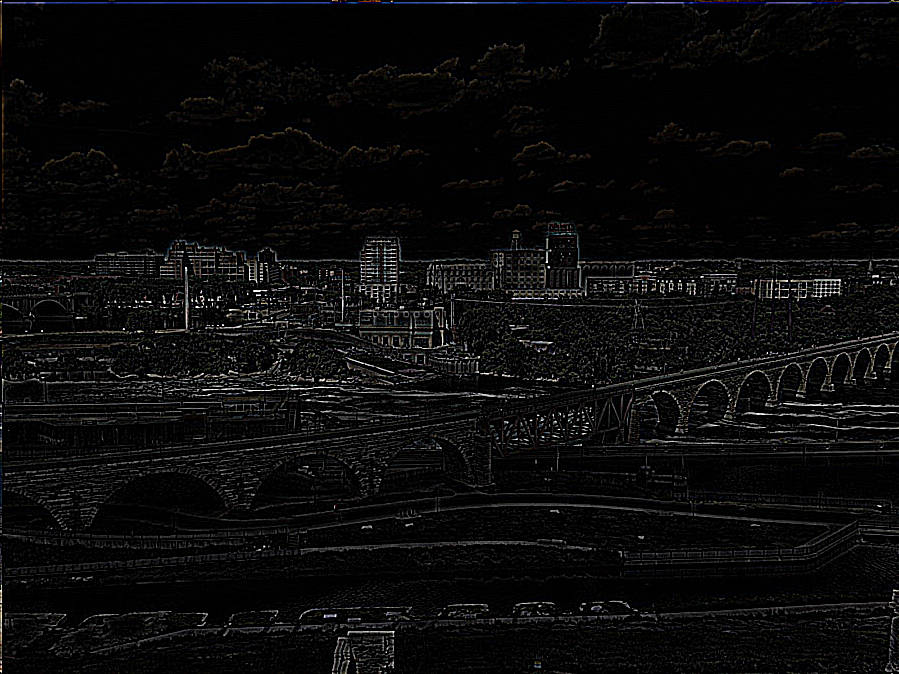
- Edge detect: Detect edges in an image by convolving it with an edge detection kernel
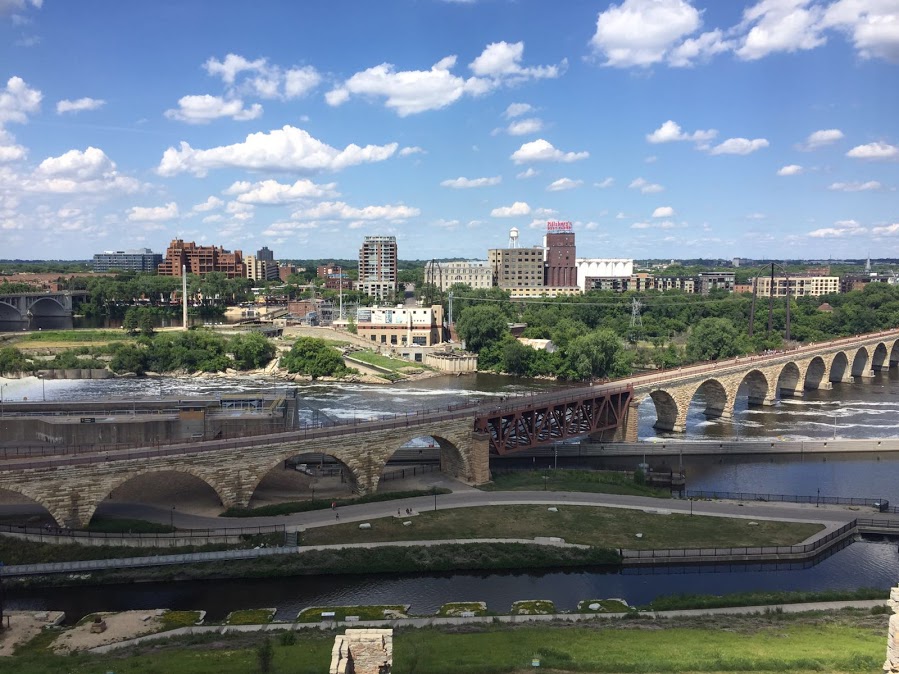
- -edgeDetect
- Floyd-Steinberg dither: Convert an image to a given number of bits per channel, using dithering with error diffusion

- -FloydSteinbergDither 1

- -FloydSteinbergDither 2

- -FloydSteinbergDither 4

- -FloydSteinbergDither 8
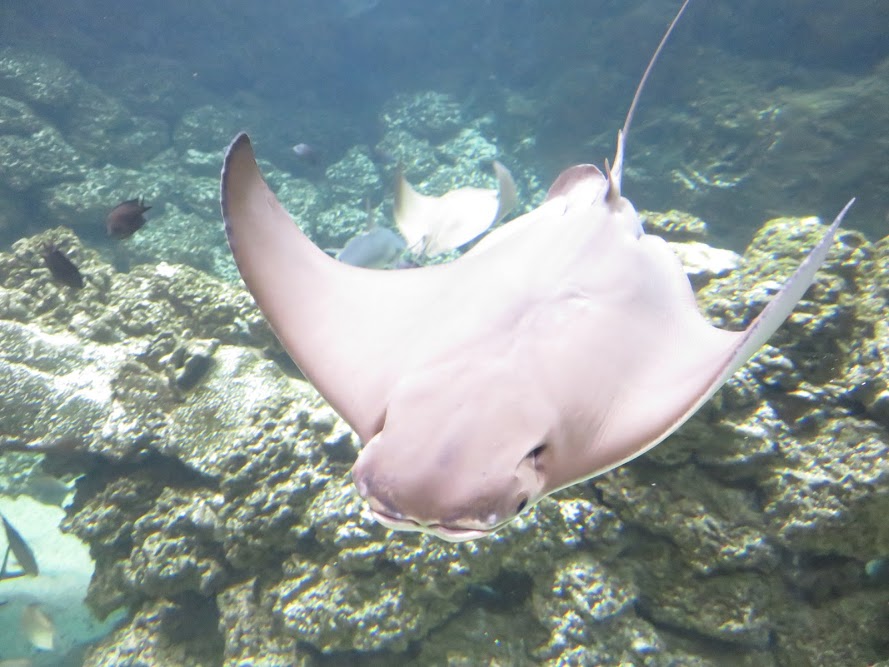
- Scale: Scale an image up or down in size by a real valued factor
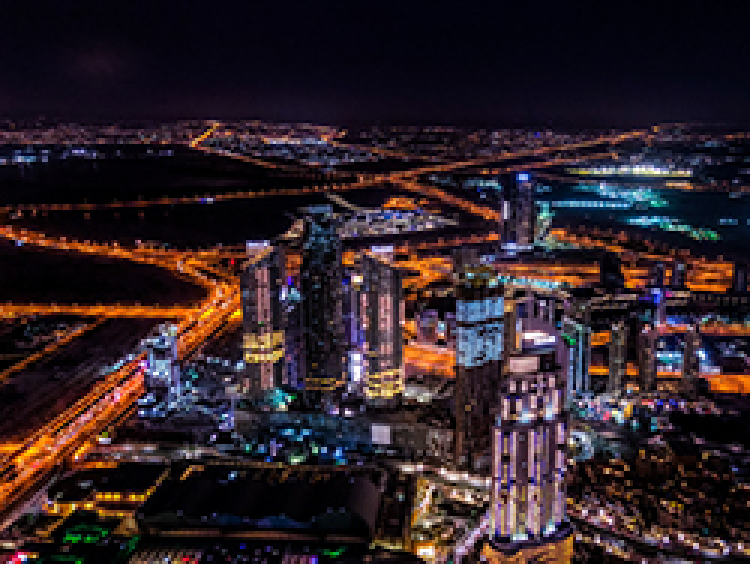
- -sampling 0 -scale 3 3
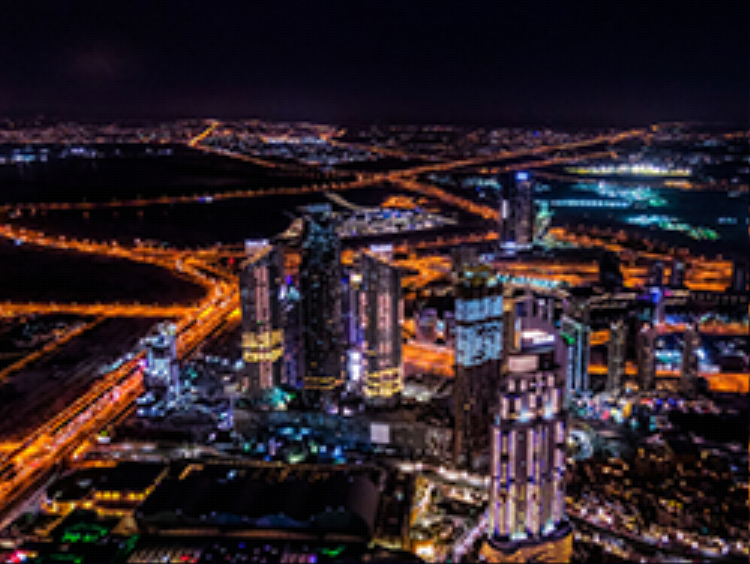
- -sampling 1 -scale 3 3
- Rotate: Rotate an image by a given angle
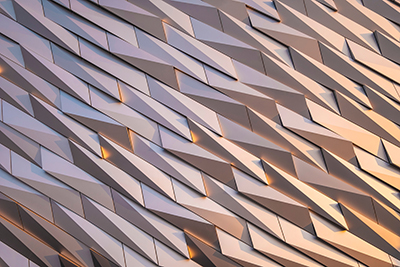
- -sampling 0 -rotate 25

- -sampling 1 -rotate 25

- -sampling 0 -rotate 45

- -sampling 1 -rotate 45
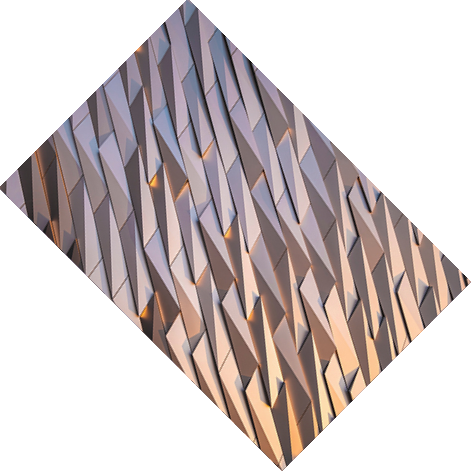
- And a fun one for the art contest
Executable here (Google Drive link) compiled on Mac. Code below.